Powering 1000+ projects worldwide
1000+ projects worldwide

Your visual foundation for smart venues

Premium 3D indoor maps that deliver exceptional navigation and transform into a powerful tool when connected to your ecosystem. Beautiful wayfinding. Actionable insights. One unified platform.

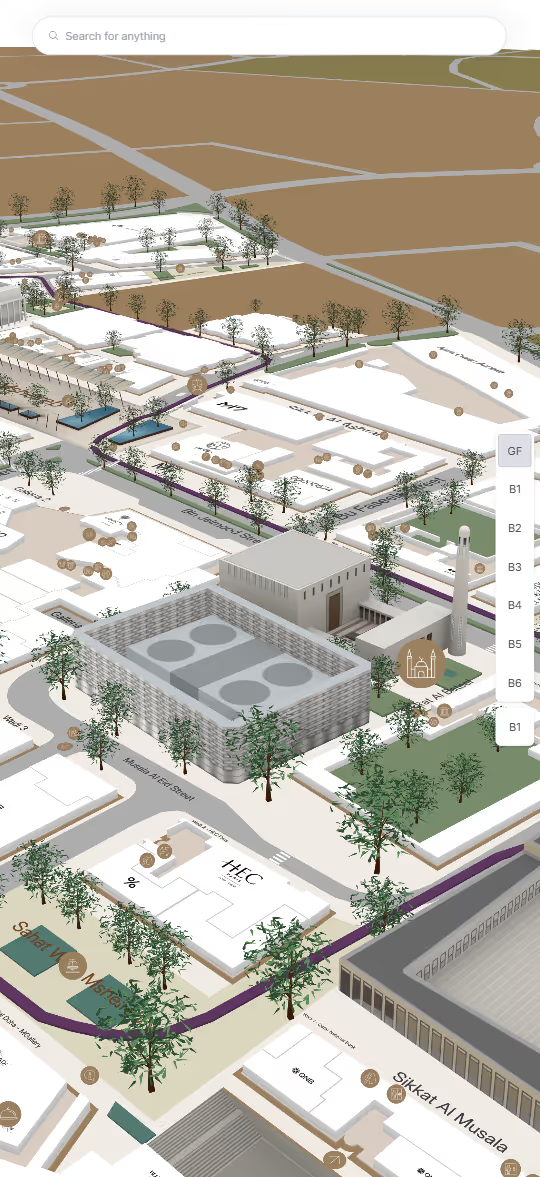
3D map view of a campus area with labeled buildings, trees, roads, and a search bar at the top.
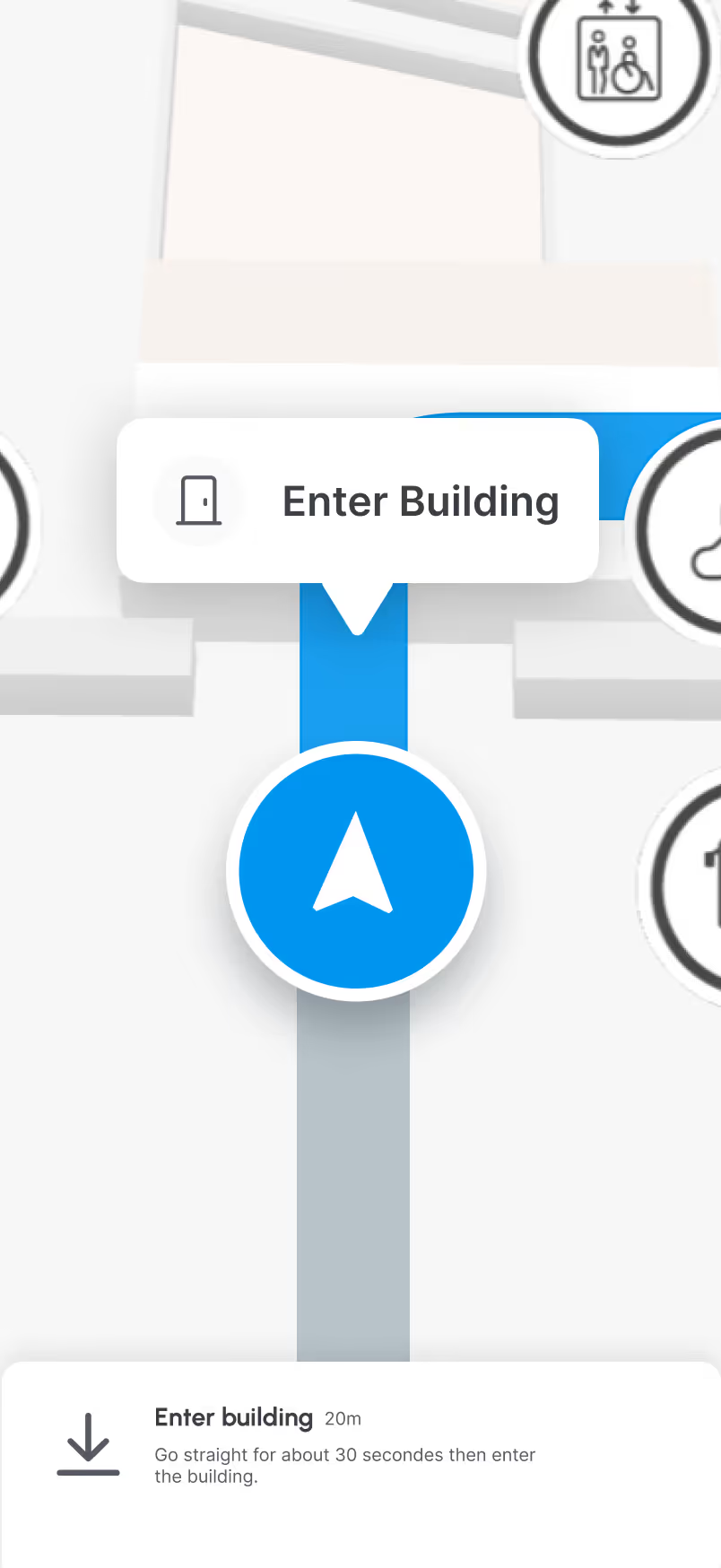
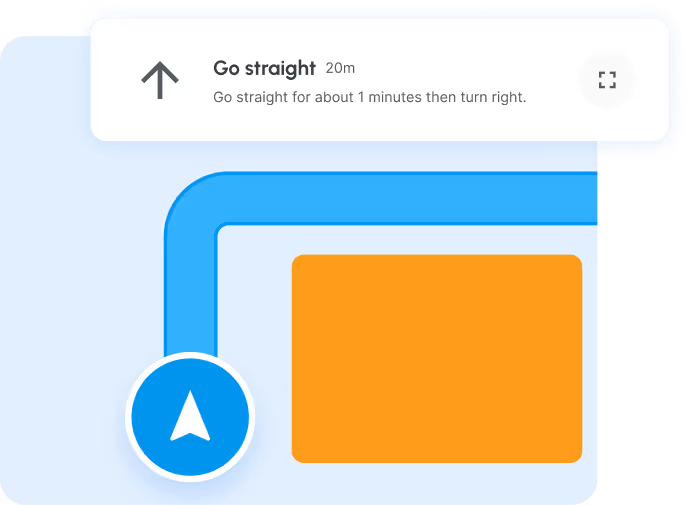
Navigation map showing a blue route to enter a building with instructions to go straight for about 30 seconds.
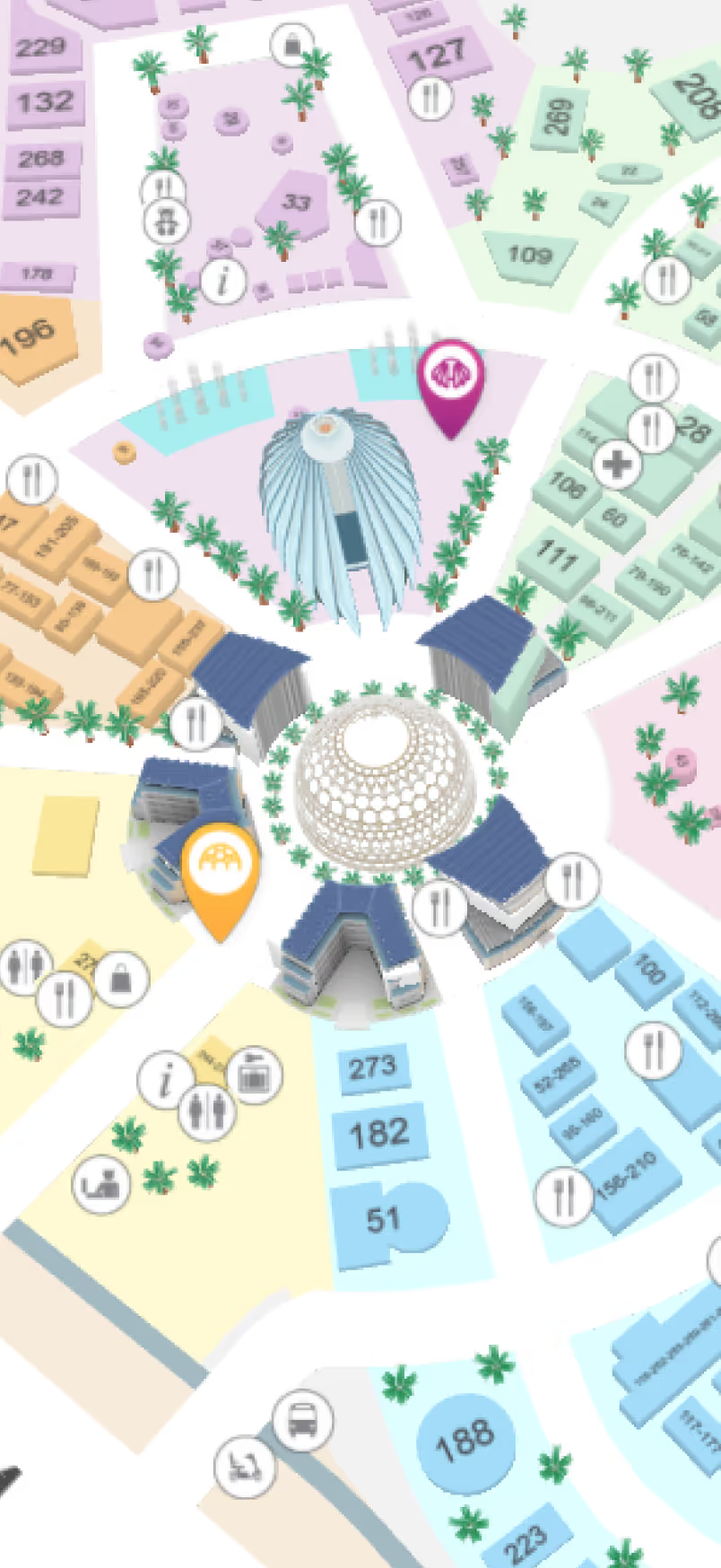
Colorful 3D map showing buildings, landmarks, and various numbered plots with icons for dining, information, and services surrounded by palm trees.
Close-up of sushi rolls with salmon, avocado, black sesame seeds, and parsley on a wooden platter.
Microsoft  LogoWestfield Unibai Rodamco  LogoSociété Générale  LogoL'Oréal  LogoOrange Business Services  LogoEverbridge  LogoReady Education  LogoJLL  LogoSchneider Electric LogoHIA  LogoMsheireb  LogoDubai Airports LogoMicrosoft  LogoWestfield Unibai Rodamco  LogoSociété Générale  LogoL'Oréal  LogoOrange Business Services  LogoEverbridge  LogoReady Education  LogoJLL  LogoSchneider Electric LogoHIA  LogoMsheireb  LogoDubai Airports Logo
Expertise

We create advanced 3D mapping solutions tailored to your venue. By understanding your challenges, we deliver premium mapping experiences that guide your users and unlock new business opportunities.

17+
Years of expertise
30+
Certified Partners
1000+
Live projects
Benefits

3D Maps that make your venue smarter

Our platform is engineered to deliver professional 3D maps that are easy to maintain, fully interoperable with your systems, and optimized for performance across all devices.

Visioglobe technology allows you to make your venue stand out easilly with beautifully functionnal maps.

Quick to deploy, easy to maintain
A professional-quality 3D map from day one, crafted by our experienced design team and fully customized to match your brand.
Smooth navigation on any device
Our custom 3D engine is designed for optimal mobile performance and low battery consumption, delivering smooth rendering on any device.
<2s
Average map loading time
Full interoperability
Visioglobe maps integrate seamlessly with your existing ecosystem.
10s
Average time to publish
Features

Beautiful design made easy with a powerful Map Editor

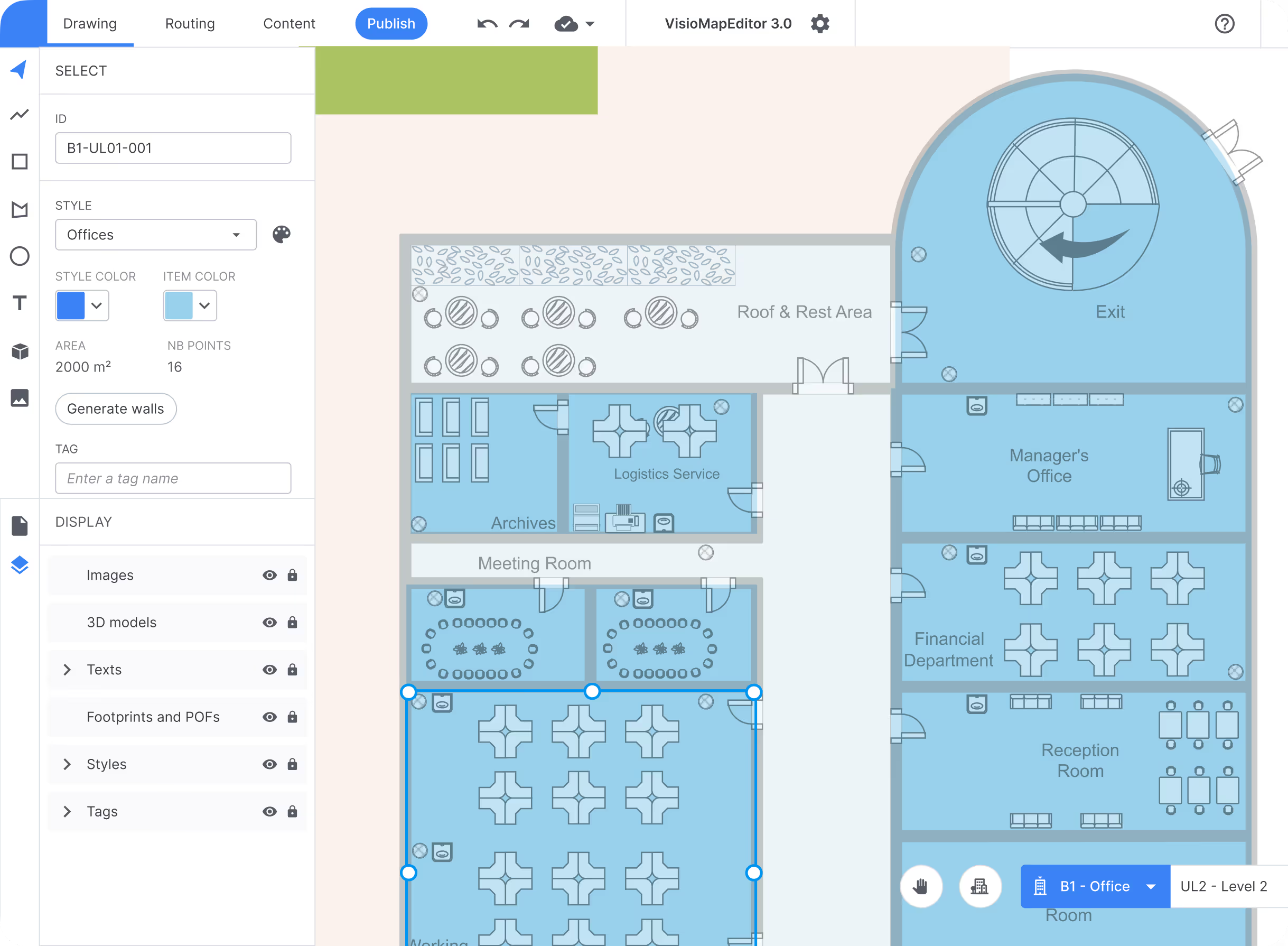
Our Map Editor lets you create visually stunning 3D maps with intuitive tools, allowing you to highlight key areas, categories, and points of interest effortlessly. Customize colors, icons, and layouts to reflect your brand and make your venue maps both engaging and easy to navigate.

Create a routing network to guide your users in your venue and update content in real time by connecting your CMS or by using our own!

Learn more
Floor plan of office spaces including labeled areas for archives, logistics service, managers office, financial department, reception room, roof & rest area, and exit.
Compatible with all file formats
Our design tool is compatible with all major file extension such as pdf, png, and dwg fort the most accurate design.
From 2D to 3D in a few clicks
With a simple 2D drawing environment, creating a beautiful 3D map is as easy as tracing over your floor plans.
Your brand, your map
All colors can be customized to match your brand identity. Use your own set of icons and 3D models.
Read more about customization →
Learn more about workplace efficiency

Make the most of your integration

Enhance your venue experience with features like geofencing, turn-by-turn navigation, and category highlighting. Deliver relevant content based on user location, guide visitors step by step through your space, and make key points of interest instantly stand out. Integration turns your maps into interactive, user-centered tools.

Geofencing
Trigger alerts, adds and any content you may want to display to your user based on their position.
First Dashboard Image
Deliver location-relevant content that increases engagement
Reduce noise by showing users only what matters where they are
Improve conversion by triggering offers at high-intent zones
Track zone performance to refine layouts and messaging
Read more about geofencing →
Turn-by-turn navigation
Provide your users with detailed instructions to help them navigate through your venue.
First Dashboard Image
Increases satisfaction through faster, smoother movement
Minimizes wrong turns and unnecessary detours
Improves flow by directing users along optimal paths
Adapts routes to user profiles or destinations
Read more about navigation →
Categories highlights
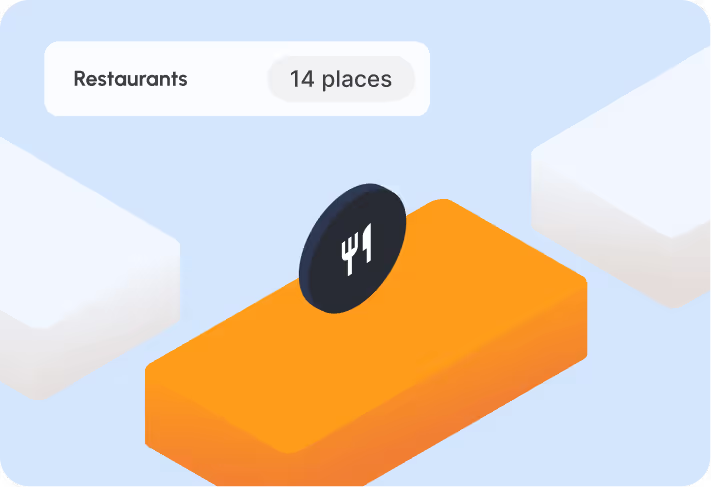
Easily spotlight a specific category of Points of Interest — and make it stand out instantly.
First Dashboard Image
Increases visibility of key points of interest
Directs user attention to priority areas
Simplifies decision-making with clear visual grouping
Improves wayfinding through cleaner information hierarchy
Read more about space visualization →

Maps that are both beautiful and functional

Gain actionable insights with detailed statistics, real-time asset tracking, and optimized evacuation planning. Understand visitor patterns, ensure assets are always visible, and keep your users safe with streamlined emergency flows. Our maps combine elegant design with powerful operational features for smarter, safer venues.

Detailed statistics
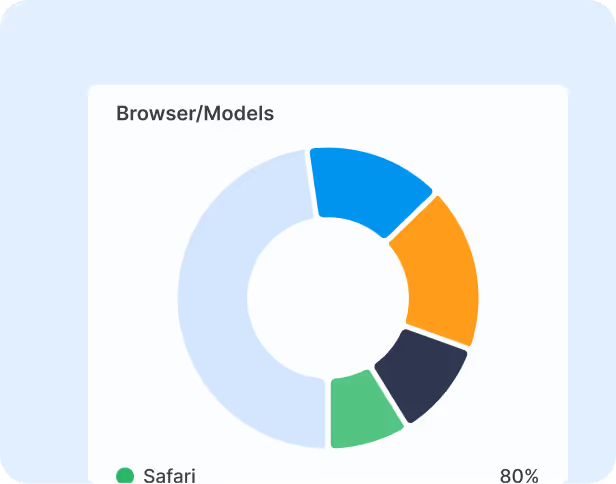
Get detailed insights — track patterns, optimize space, and make smarter decisions.
First Dashboard Image
Reveals how users move through your venue at a granular level
Identifies high-traffic and low-traffic zones for layout optimization
Informs operational decisions with data rather than assumptions
Supports long-term planning through trend and pattern analysis
Asset tracking
Use your map to track your assets in real time — and never lose sight of what matters.
First Dashboard Image
Provides real-time visibility of all tracked assets
Optimizes asset utilization and workflow efficiency
Enables faster response in case of movement or issues
Integrates asset location data directly into your venue map
Optimized evacuation process
Optimize emergency flows — protect people, save time, and ensure smooth evacuations.
First Dashboard Image
Reduces congestion and bottlenecks during emergencies
Improves overall safety with data based training
Enables real-time updates and communication
Provides data to refine and test evacuation plans continuously
Read more about emergency management →
Industries

Maps for every industries

No matter the industry, our clients rely on us to simplify complex indoor mapping challenges.

View Use Case
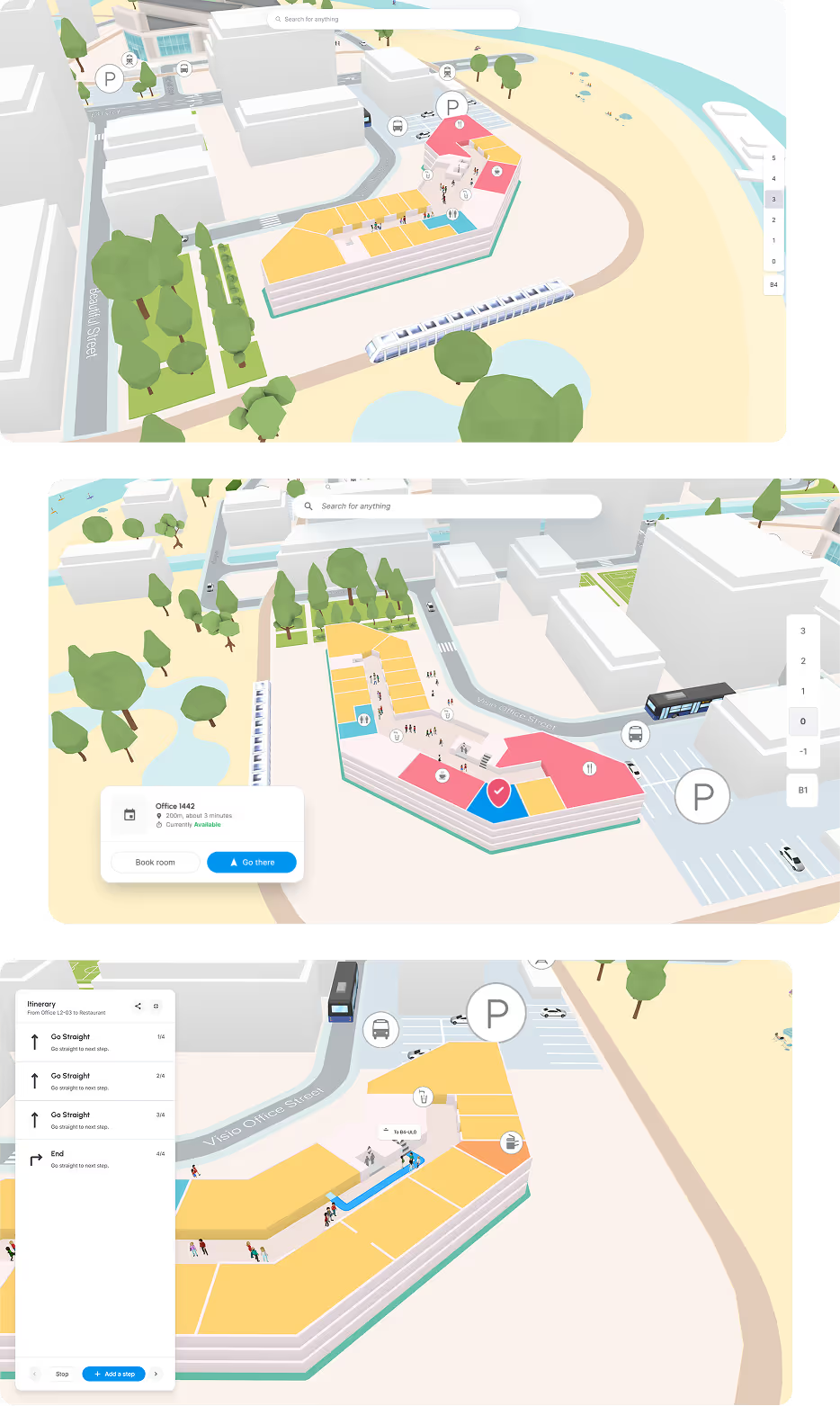
Three views of a 3D digital map showing a building complex with offices, parking, outdoor trees, and pathways, including navigation and booking interfaces.
Increased Productivity
Efficient employees complete more tasks in less time, boosting overall organizational productivity.
Reduced Costs
Efficient task completion minimizes waste of time and resources, lowering overall expenses for the organization.
Improved Morale
Efficient work fosters a sense of accomplishment and pride, resulting in a motivated workforce with higher job satisfaction and lower turnover rates.
Learn more about workplace efficiency
Learn More
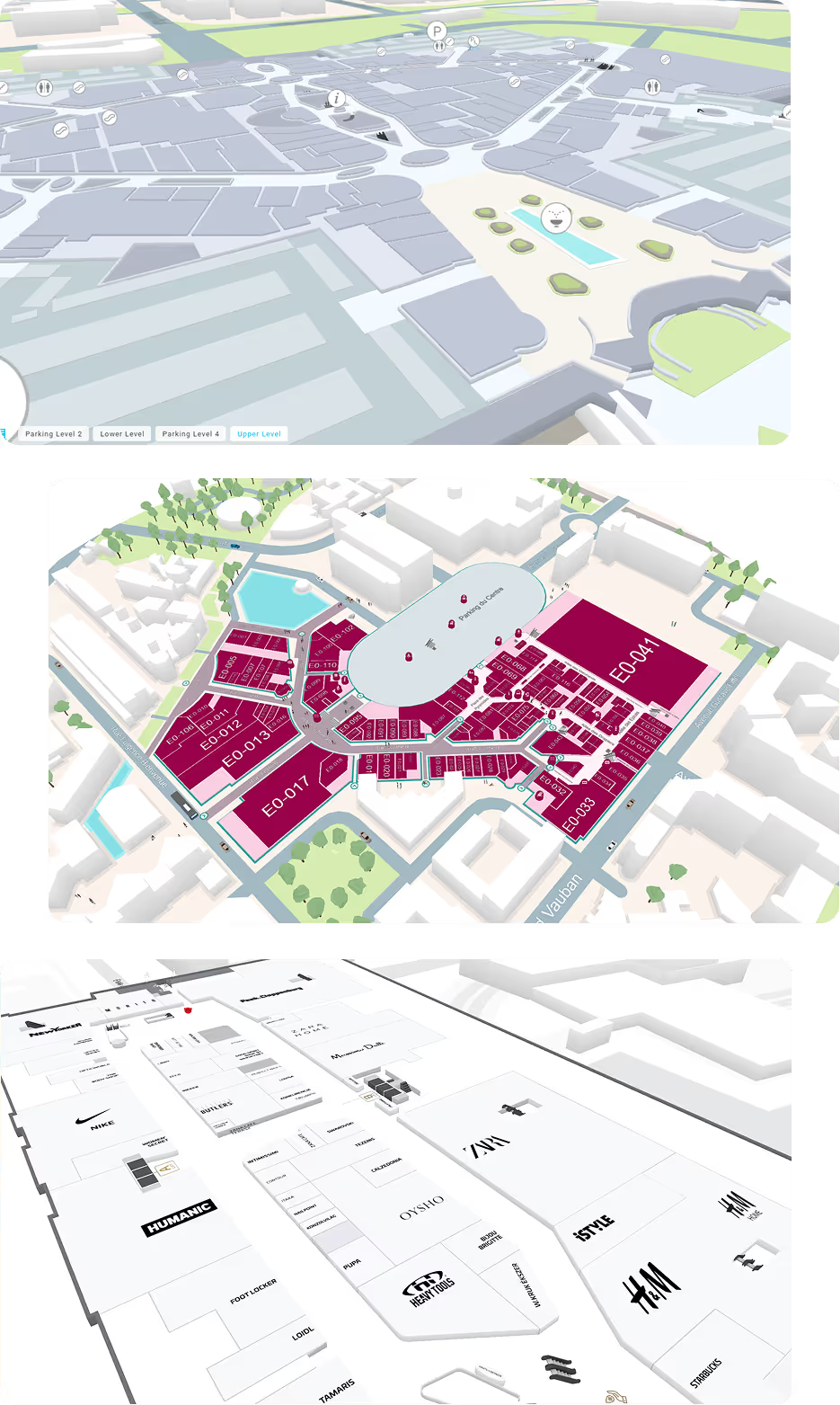
Floor plan of a shopping mall featuring stores such as Zara, New Yorker, Intersport Iso Omena, Factory Iso Omena, and Salon WestHair Espoo with marked restrooms and elevators.
Seamless navigation and accessibility
Get the adapted routing to meet specific accessibility needs and ensure safer evacuations in case of an emergency.
Optimizing malls' space leasing
Maximize the potential of shopping mall's spaces and improve backrooms leasing process thanks to a data driven-approach.
Driving higher foot traffic and sales
Activate the marketing strategy and push customized discounts and recommendations to gain a competitive advantage and reach a wider audience.
Learn more about workplace efficiency
Learn More
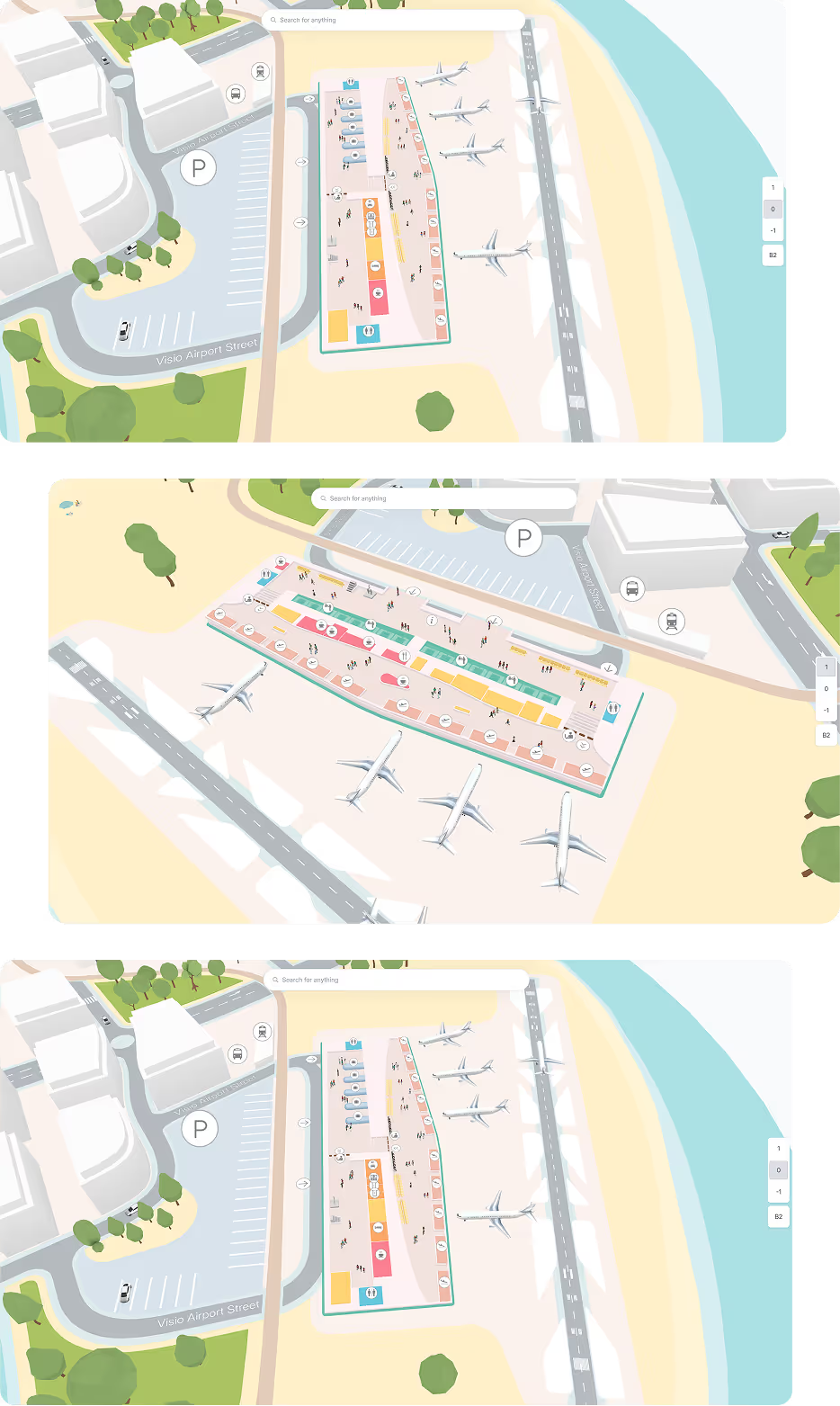
3D map of an airport terminal with multiple gates, aircraft, parking areas marked with P, and various colored buildings.
Ensuring timely departures
Help passengers reduce time spent on searching for the right path, minimize the risk of getting lost or encountering delays and finally ensuring timely departures.
Reinforcing security and safety levels
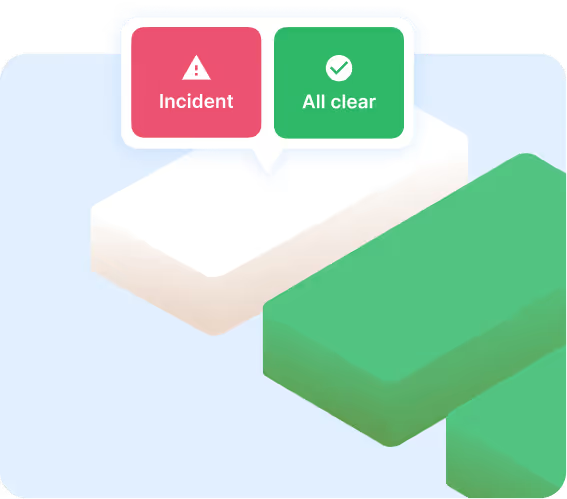
Access accurate and up-to-date information about the indoor space through the map, which help promptly address incidents, preventing them from escalating and minimizing the risk for passengers.
Driving customer loyalty
Get notifications about the best time to reach the right check-in area and even notifications from duty-free shops as well ad how to reach click-and-collect points.
Learn more about workplace efficiency
Learn More
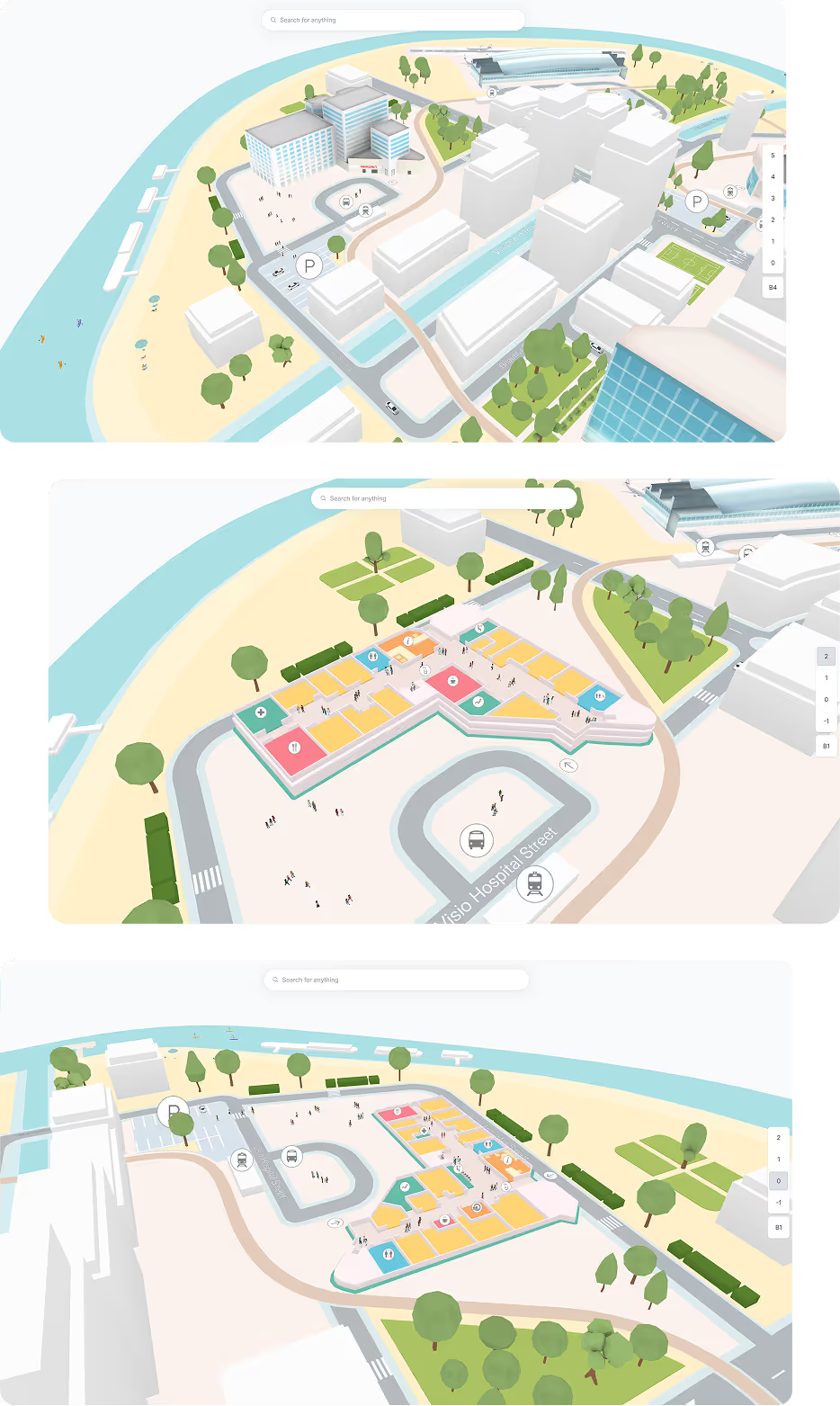
3D rendered aerial views of a hospital complex with surrounding streets, parking areas, green spaces, water bodies, and building floor plans.
Seamless navigation and accessibility
Make any Point Of Interest (POI) accessible for all users to help them easily reach the service they need, providing the most adapted routing.
Optimizing overall operational efficiency
Spot frequented areas, potential bottlenecks and make decisions for future infrastructure improvements via a data-driven approach.
Ensuring higher safety and security
Enhance the safety protocols and assist people to reach the nearest safe places.
Learn more about workplace efficiency
Learn more
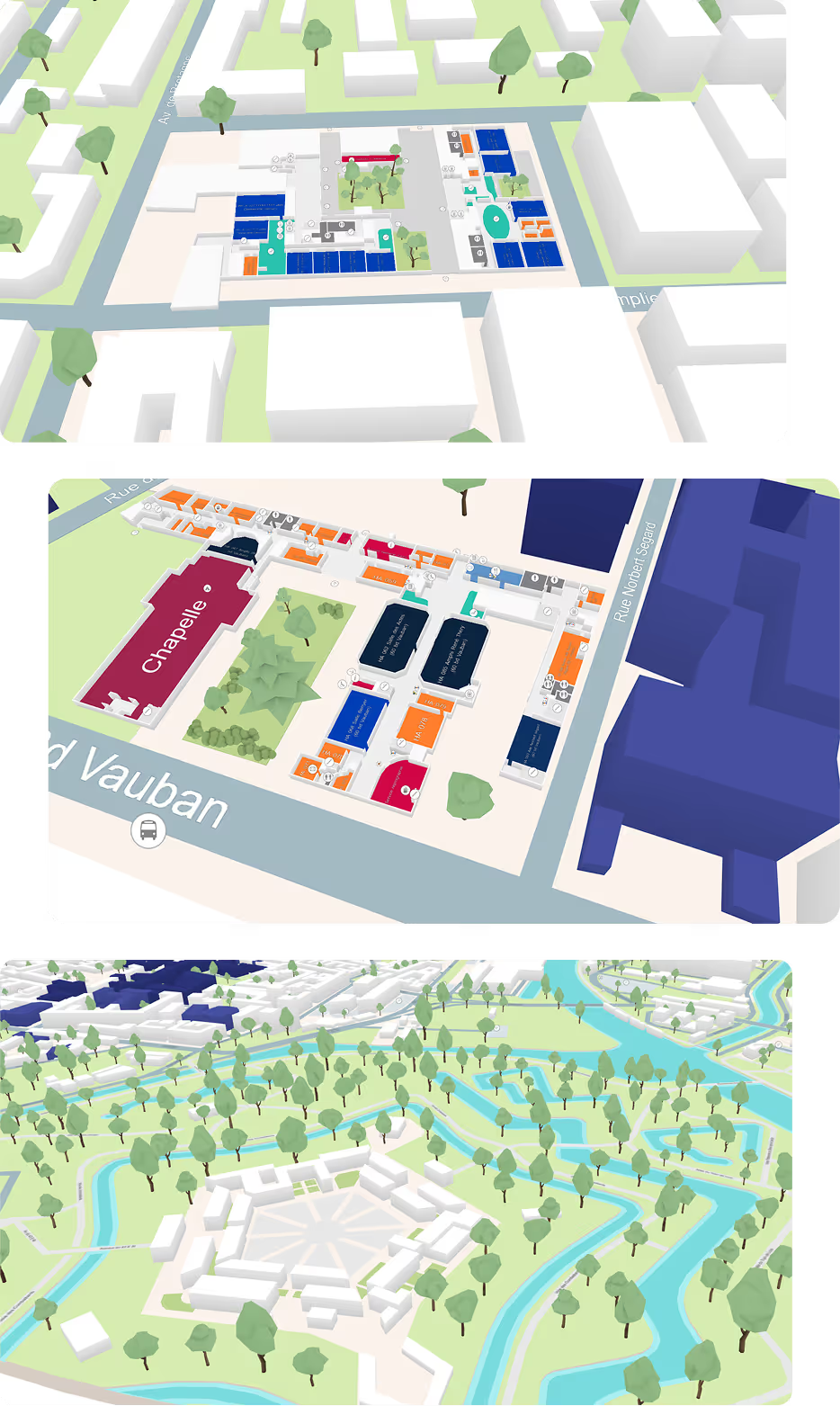
Three 3D map views showing urban layouts with streets, buildings, trees, and waterways including a labeled chapel, parks, and waterways.
Promoting a fully accessible navigation
Customize routes based on users’ needs and abilities, and display 100% adapted routes to avoid stairs and other potential obstacles if needed.
Increasing space efficiency
By providing real-time updates on room availability, students and professors can efficiently search for and book an available study space or classroom.
Ensuring higher security
Through detailed maps, it becomes easy to visualize the entire campus in one single place.
Learn more about workplace efficiency
Learn More
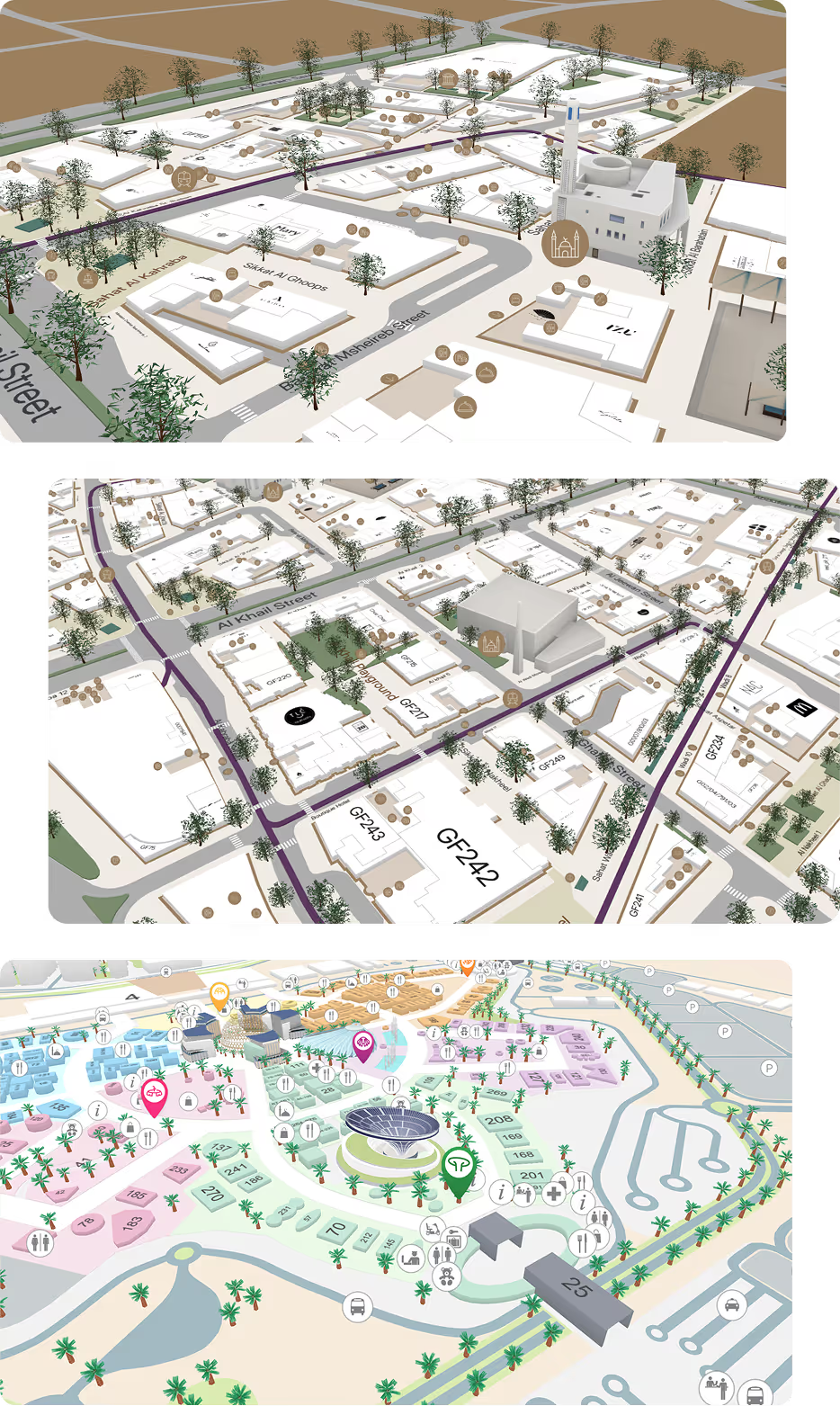
Three 3D rendered maps showing urban layouts with labeled streets, buildings, trees, and various icons for landmarks and amenities.
Centralized map platform
A signle platform that feeds into multiple devices such as kiosks and apps for all your user
Enhanced user experience
Navigation among historic sites, shopping districts, large parking areas, leisure venues etc. becomes an effortless and enjoyable journey.
Future-proof and scalable solution
Easily add new buildings, event venues, parking or mobility services, without starting from scratch.
Learn more about workplace efficiency
Learn More
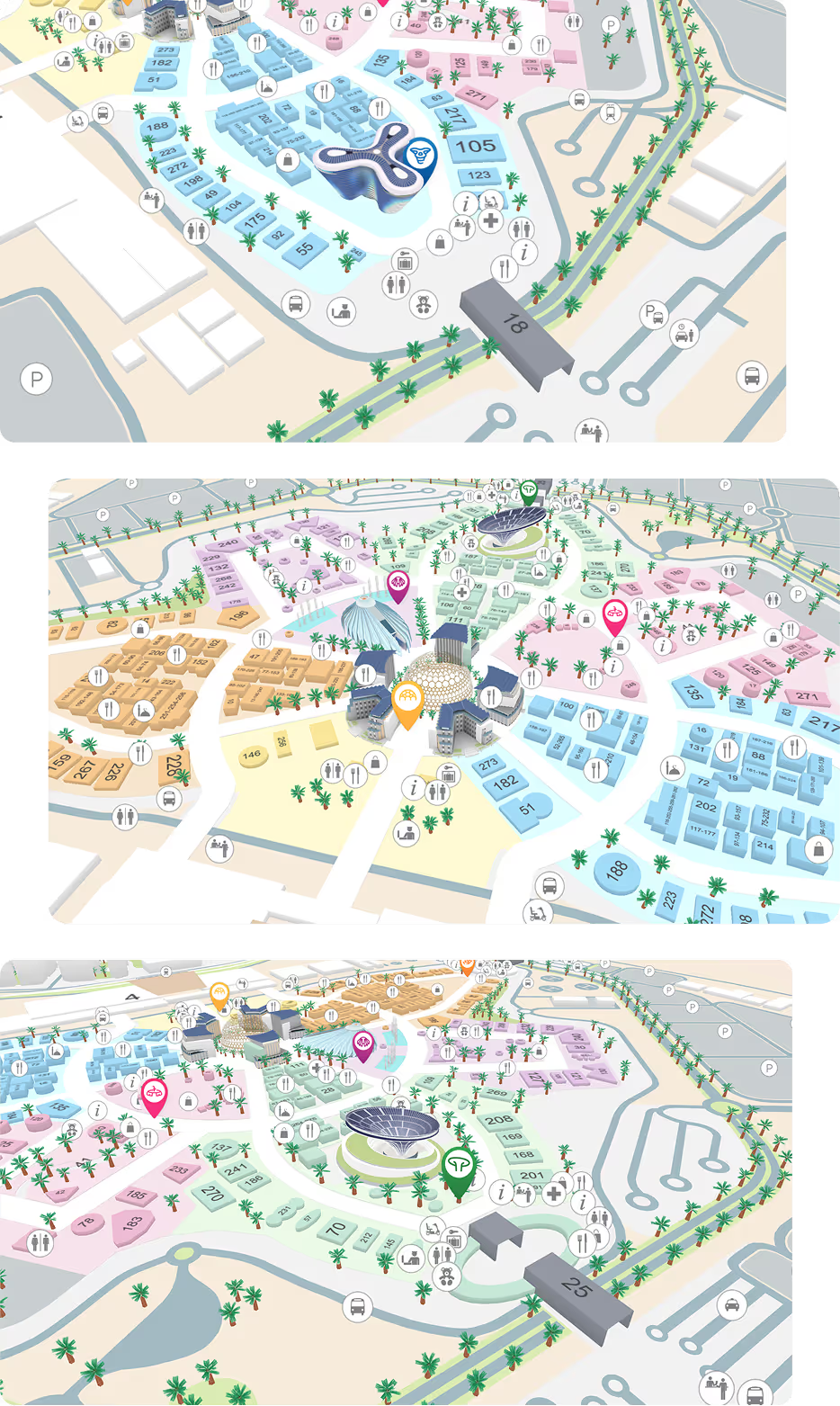
Three detailed 3D maps of an event venue showing numbered buildings in different colored zones, icons for amenities like restrooms, dining, information, parking, and transportation, and marked points of interest.
Ensuring seamless navigation and accessibility
Transform the navigation from a point A to a point B during a busy Event and trade Show into a simple and enjoyable experience.
Optimize exhibitors visibility and network
Help attendees easily locate booths, explore exhibitor details and get step-by-step directions to reach them.
Leverage event analytics & insights
Gain real-time data insights on attendee engagement, exhibitor interactions and map usage, and continuously optimize the overall processes and services for future editions.
Learn more about workplace efficiency
FAQ

Still have some questions?

Find the answers to the most commonly asked questions.

How can I edit the map?

By using our Map Editor, changes are easy to manage. Split or merge existing surfaces or add new one and publish them on all devices at once!

How does work the Map Editor license fee?

We propose VisioMapEditor, our Map Editor, on a yearly license fee, which is paid by platform (iOS, Android, Web), and by target (end user, staff, security)

Are Visioglobe maps georeferenced?

Yes, all our indoor maps can be easily geo-referenced: it means that each point on the map has the correct latitude and longitude. This allow our maps to be integrated with indoor location technologies provided by third parties partners or any indoor location technology of your choice.

What is needed by Visioglobe to create my digital indoor map?

Visioglobe needs the floor plans of your building (architectural drawings). Visioglobe prefers to work with AutoCAD files (DWG format), but other formats can be used as well (GeoJson, PDF, ...). Please contact our experts for more information on this point

On which platforms can I use Visioglobe maps?

Visioglobe offers native solutions for iOS and Android (mobile). Visioglobe also provides SDKs for Web and Kiosk (Javascript library leveraging WebGL API).

Get in touch with an expert

Ready to make your venue stand out?